
Adaptive Computer Technology
Disability Access Mission
University Technology Services (UTS) supports adaptive technology software and hardware for enhancing the respective learning styles of disabled students. While UTS is able to support only a portion of the software available, every effort will be made to customize the computer setup, train, and assist those using adaptive computing methods.
To make an appointment for adaptive computer access, please call the Computer HelpDesk at 303.871.4649, or email us for more information.
Adaptive Technology
The University has an adaptive Windows station in Penrose Library. Additional technology will be available as needed for classroom, lab or another campus location.
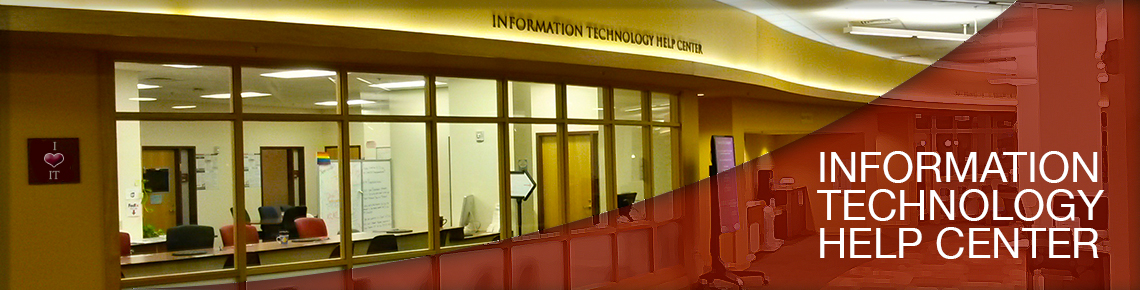
Computer HelpCenter AT Station is equipped with:
CD ROM, upgraded speakers, internal zip drive, standard keyboard with Windows key, printer, HP Visioneer scanner, Arkenstone Open Book, WYNN read/write/study tool, WindowEyes screen reader, MS Office, Adobe PhotoShop, and Adobe Premiere
Word Processing, Spreadsheets and Presentations
Microsoft Word is the preferred word processing program, and Microsoft Excel is the recommended spreadsheet program. For help with adaptive questions about these programs, as well as Powerpoint, please open the accessibility setup within each program, contact the HelpCenter Lab in Penrose Library, or the call the HelpDesk at 303.871.4700 Option 3.
For the answers to more detailed questions,
please visit the Microsoft Home Page.
Adaptive Programs
The adaptive computer and technology programs on stations at specific locations are supported by department staff there. Program documentation is usually available in the program application folder of the pc you are using. If you experience trouble using one of these applications, can contact the HelpDesk at x4700. HelpDesk consultants will make every effort to troubleshoot the problem and resolve it with you.


