Current Students
Written by Kellie Ferguson, OTL Instructional Designer
Well folks, it’s done. MyDU has officially replaced PioneerWeb. The new MyDU platform offers a more organized, user-friendly hub for DU staff and faculty from which many DU necessities can be easily accessed.
Now that the rollover to MyDU is complete, we wanted to highlight a few of the faculty resources available directly through the MyDU portal.
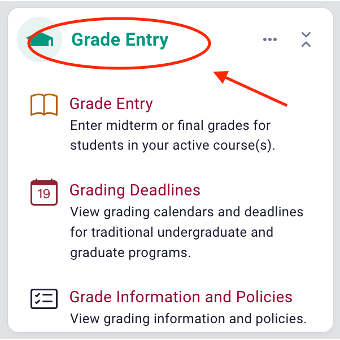
First, in MyDU faculty can access student and grading information relevant to their courses. In the Grade Entry widget, faculty can enter grades and view grading policies and deadlines. The process and interface for entering grades, though, has not changed, so there is no need to worry about learning a new system.

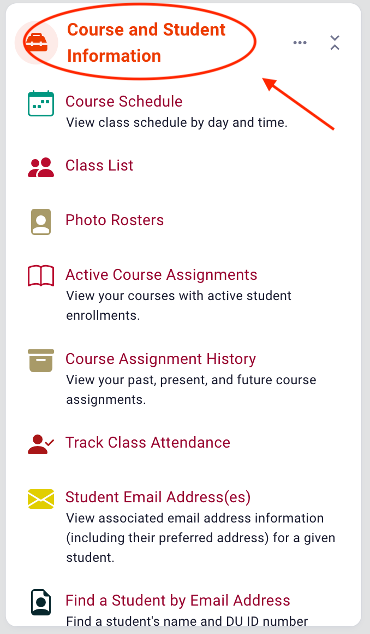
This widget is also where faculty can find useful Course and Student Information, like class lists, photo rosters, and email addresses. For example, if you navigate to the bottom of the photo roster page, you’ll find a list of all your students’ email addresses, which can be useful if you need to send an email to everyone in a particular section, or set up Zoom breakout rooms in advance. You can also use the track class attendance feature to, as you might expect, track attendance.
As with the grade entry feature, most of the features have not changed at all, or significantly, since you last accessed them via PioneerWeb. The main difference is that many of these features are now easier to locate and use thanks to MyDU’s dashboard of widgets.
Faculty should make sure to check their course rosters in both MyDU and Canvas because there can occasionally be discrepancies between the two. For instance, faculty should note that Canvas course rosters can be updated with student name and pronoun changes, but unfortunately, this information does not automatically sync with MyDU. Therefore, checking course rosters across both systems ensures the most accurate and up-to-date student information.


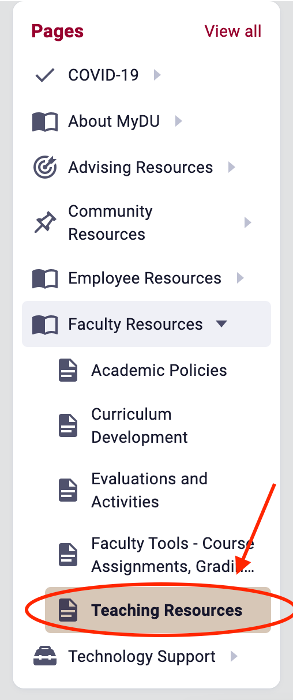
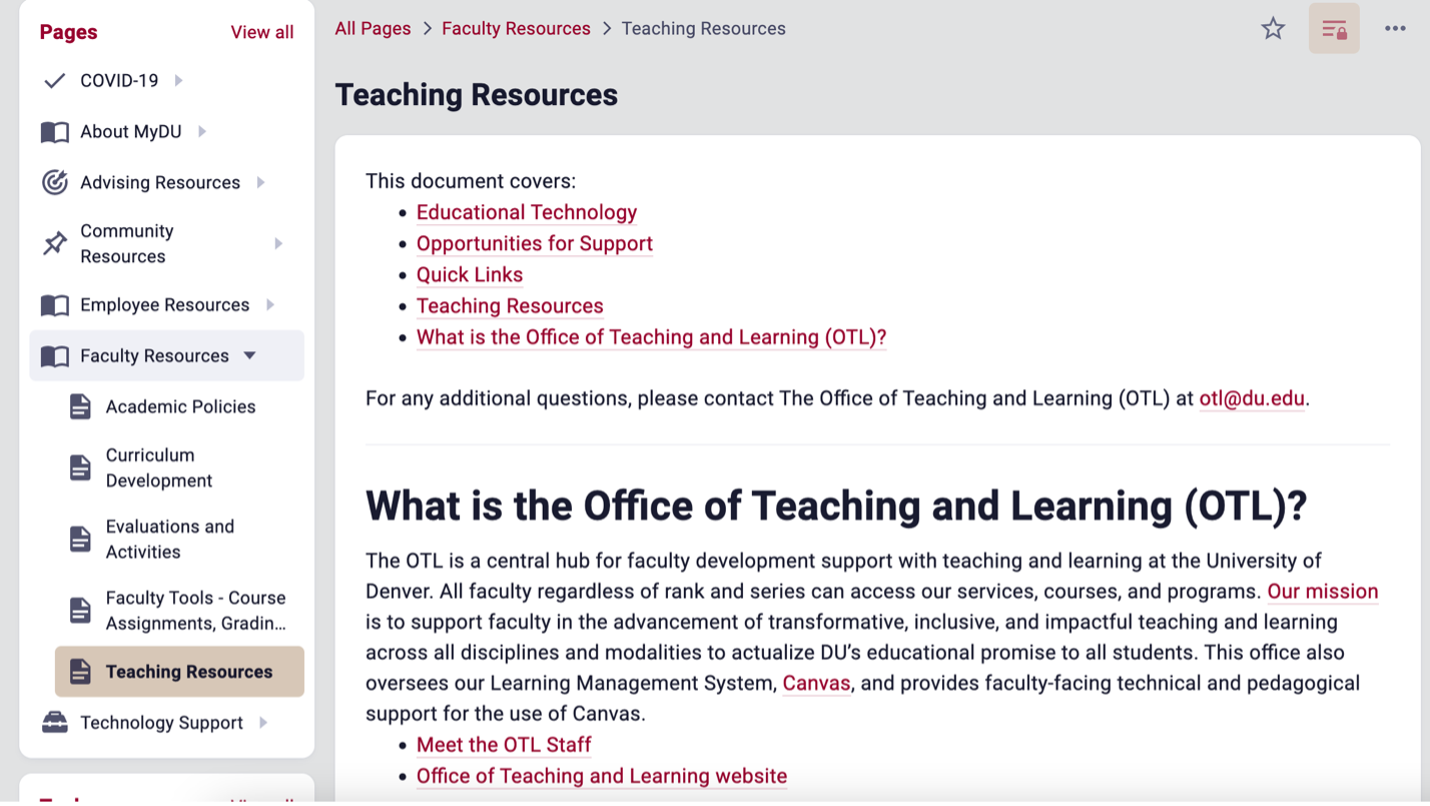
Another valuable tool that exists for faculty within MyDU are some quick links to OTL resources. In the Pages widget, select the Faculty Resources > Teaching Resources tab. Here, faculty can conveniently locate popular OTL resources.


Within the OTL page, faculty can access:
For MyDU technical support or if you wish to provide feedback on a website or application you reached from a link, Tool, or Page in MyDU, please contact the IT Help Center.
For additional teaching and Canvas support, schedule a one-on-one appointment with one of OTL’s Instructional Designers.