







Uploading Recruiting Documents
Learn how to upload recruiting documents within Jobs@DU.
This article applies to Hiring Managers and Business Officers.
The Hiring Manager gathers documentation related to the recruitment from Search Committee Members. This includes email communication, notes from committee members, and any other pertinent documentation. Hiring Managers can follow the directions below to upload the documentation in Jobs@DU.
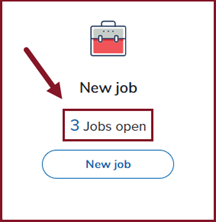
2. From My Dashboard, select Jobs Open.
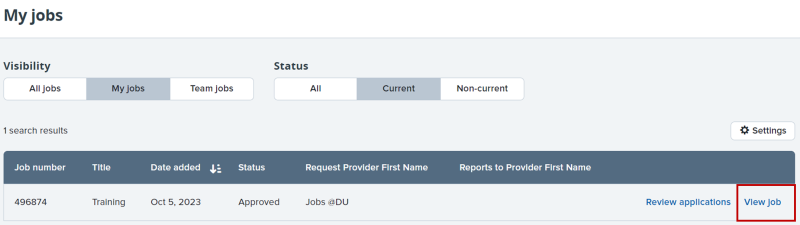
3. To view the job requisition, click View.
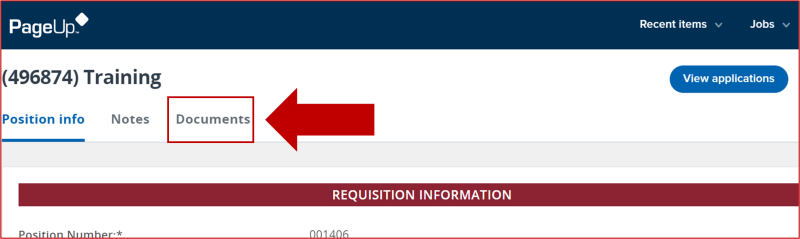
4. From the Job Requisition, click Documents.
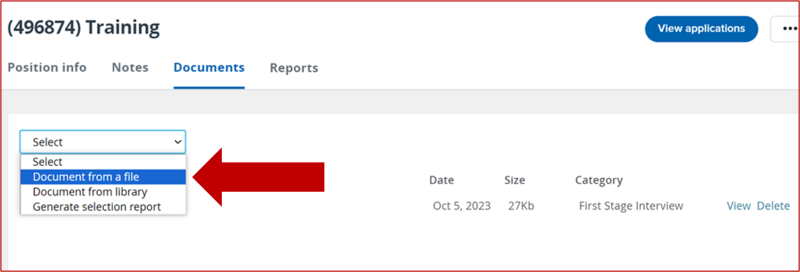
5. Select Document from a file from the dropdown menu.
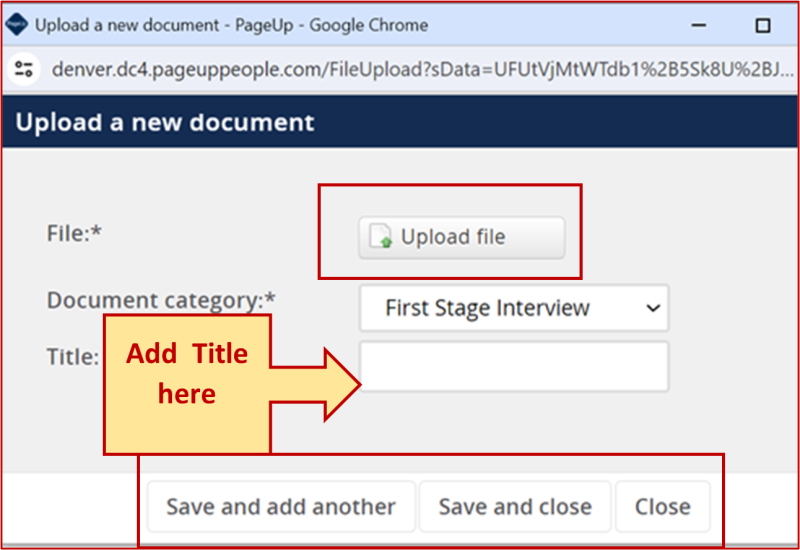
6. A pop-up box will open. Upload the appropriate file, then click Save and add another or Save.
7. When all recruiting documents have been added, click Done.
Questions? Contact Jobs@du.edu.